

SolidWorks
SolidWorks is one of the world’s leading 3D CAD (Computer-Aided Design) software used for product design, engineering, and manufacturing. Known for its ease of use and powerful features, SolidWorks enables designers and engineers to create, simulate, and manage products efficiently, from concept to production.
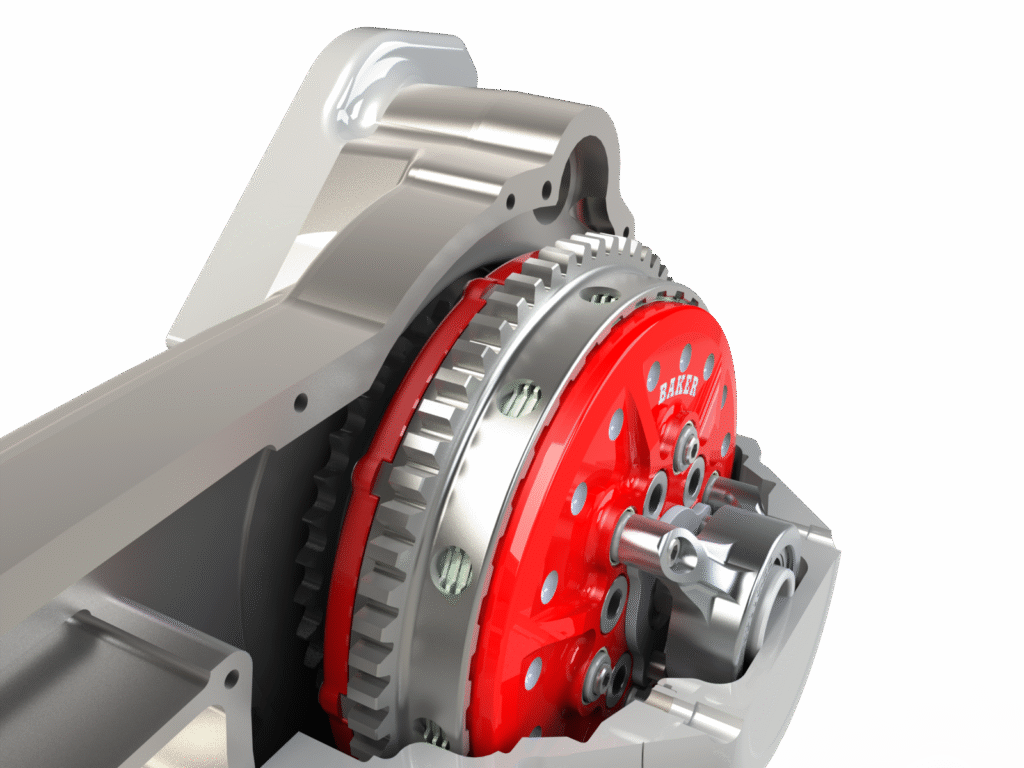
Key Features of SolidWorks
1. Part & Assembly Modeling
- Create precise 3D models of mechanical components.
- Combine multiple parts into assemblies with motion & fit analysis.
Image idea: 3D exploded view of a gearbox or engine in SolidWorks.
2. 2D Drafting & Drawing
- Generate manufacturing-ready 2D drawings from 3D models.
- Automatic dimensioning, tolerances, and BOM (Bill of Materials).
Image idea: Side-by-side view of a 3D model and its 2D technical drawing.
3. Surface & Sheet Metal Design
- Complex surface modeling for consumer products, automotive, and aerospace.
- Sheet metal design tools: bends, cuts, flanges, flat patterns.
Image idea: Sheet metal part design with unfolded flat pattern.
4. Simulation & Analysis
- Built-in FEA (Finite Element Analysis) for stress, strain, fatigue.
- Thermal and fluid flow simulations with SolidWorks Simulation & Flow Simulation.
Image idea: A stress analysis result with color contour on a part.
5. CAM & Manufacturing (SolidWorks CAM)
- Direct integration of CAD models into CAM for CNC machining.
- Toolpath generation and manufacturing simulation.
Image idea: Toolpath overlay on a 3D part model.
6. Product Data Management (PDM)
- Manage design versions, revisions, and team collaboration.
- Secure storage of CAD data across departments.
Image idea: Workflow diagram showing PDM design approval process.
7. Additive Manufacturing (3D Printing)
- Export optimized STL files for 3D printing.
- Validate designs for printability and tolerance.
Image idea: SolidWorks model being 3D printed.
Industries Using SolidWorks
- Automotive – Components, sheet metal parts, assemblies.
- Aerospace – Structures, simulations, lightweight designs.
- Consumer Products – Appliances, electronics, packaging.
- Medical Devices – Precision instruments and implants.
- Industrial Equipment – Machinery, tools, robotics.
Career Opportunities After SolidWorks Training
- CAD Design Engineer
- Product Design Engineer
- Mechanical Design Engineer
- Tool & Die Designer
- Sheet Metal/Plastic Product Designer
- Simulation & Analysis Engineer
Why Learn SolidWorks?
✅ Industry-standard CAD software recognized worldwide.
✅ Easy transition into CAM, CAE, and Product Lifecycle Management.
✅ High demand in manufacturing, R&D, and design sectors.
✅ Supports Industry 4.0 workflows like digital twins & smart manufacturing.
⚡ Learning SolidWorks opens the door to careers in 3D design, engineering analysis, manufacturing, and product innovation — making it one of the most valuable skills in modern engineering.